University of Primorska
Faculty of Mathematics, Natural Sciences and Information Technologies

- Študij
- Mednarodno sodelovanje
- Raziskovanje
- O fakulteti
- Vizitka
- Na kratko o Famnitu
- Poslanstvo in vizija
- Organiziranost
- Kje se nahajamo
- Pravilniki in obrazci / Regulations and Forms
- Skrb za kakovost
- Priznanja in nagrade
- Knjižnica
- Založništvo
- Cenik storitev
- Programi dela, poročila o delu
- Katalog IJZ
- Varstvo osebnih podatkov
- Politika zasebnosti
- Izjava o dostopnosti
Remote Access to the Student Network
Students can connect to the student network using SoftEther VPN. The VPN connection provides access to internal resources that are normally available only within the student network (e.g. ArcGIS software).
Installation
You can download the software from: http://www.softether-download.com/en.aspx?product=softether. You will also need the configuration file.
During the installation:
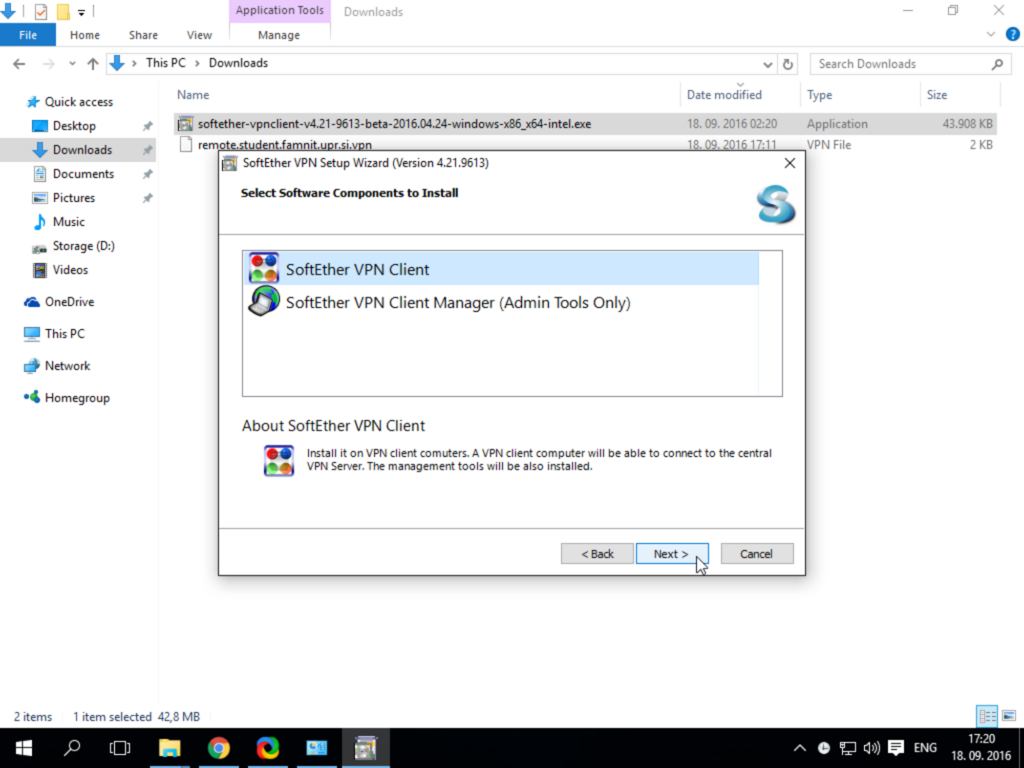
- In the Select Component field, choose SoftEther VPN Client.
- In the Select Platform field, choose your operating system (most likely Windows).
- Then click SoftEther VPN Client to download the installer.
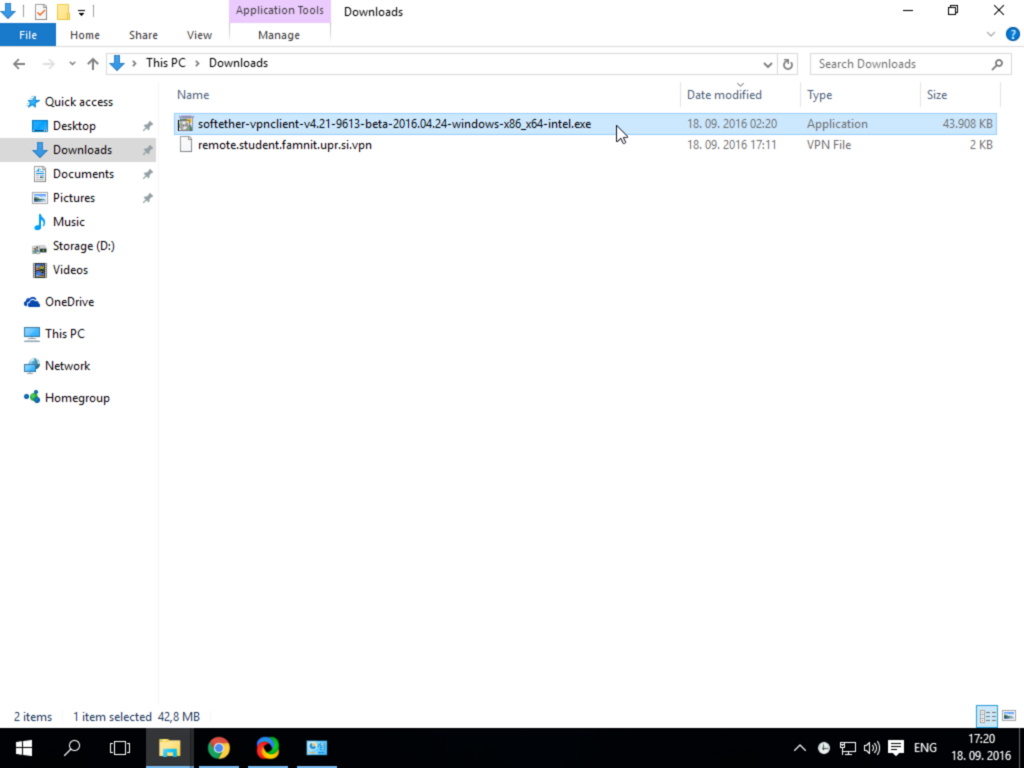
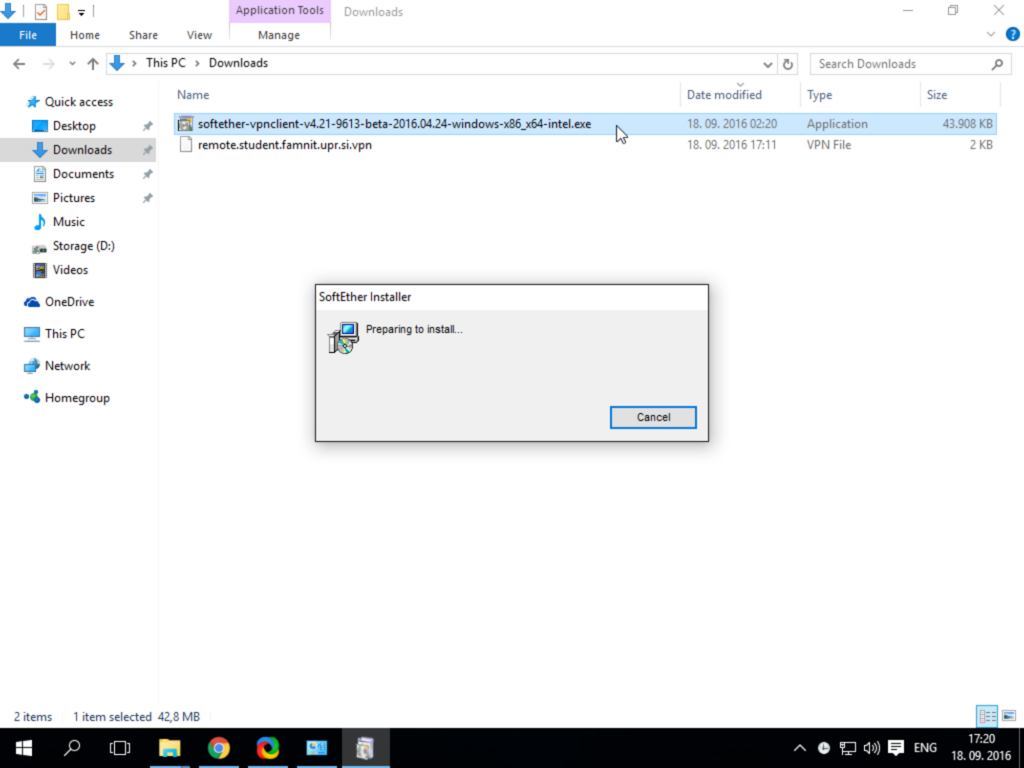
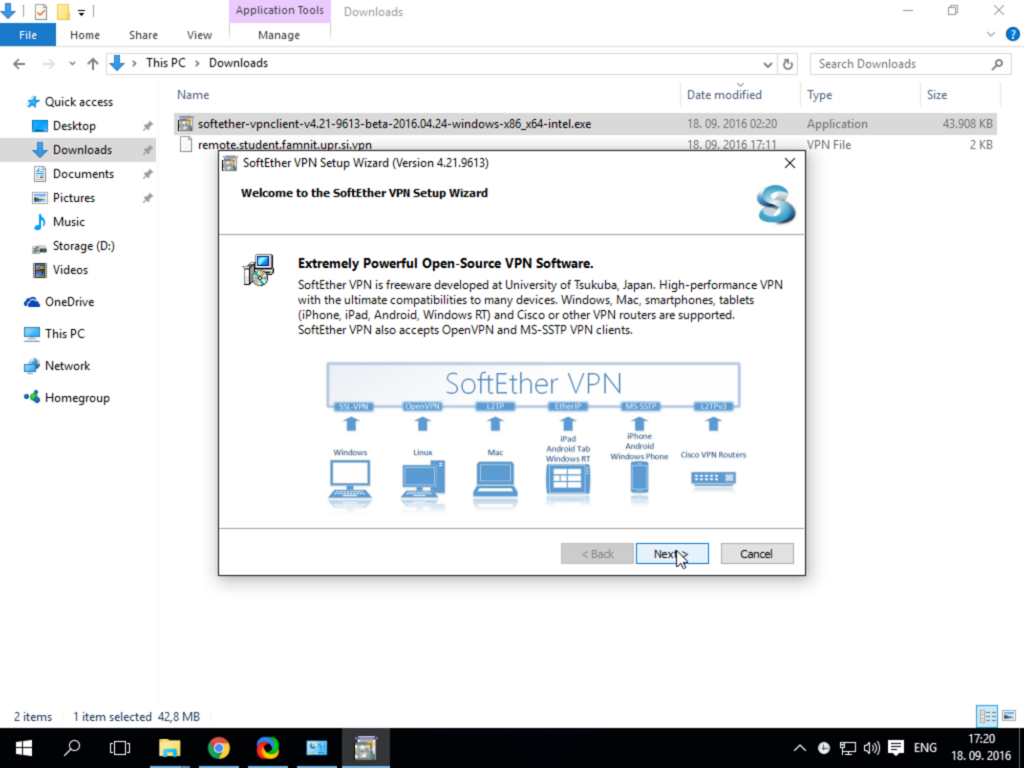
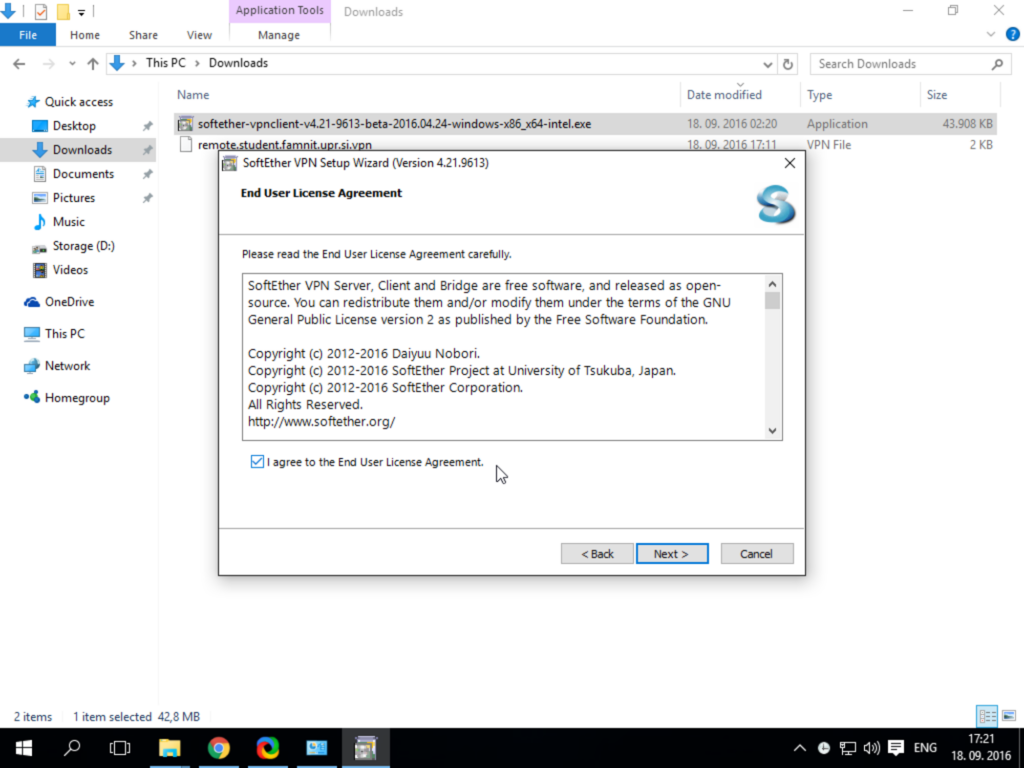
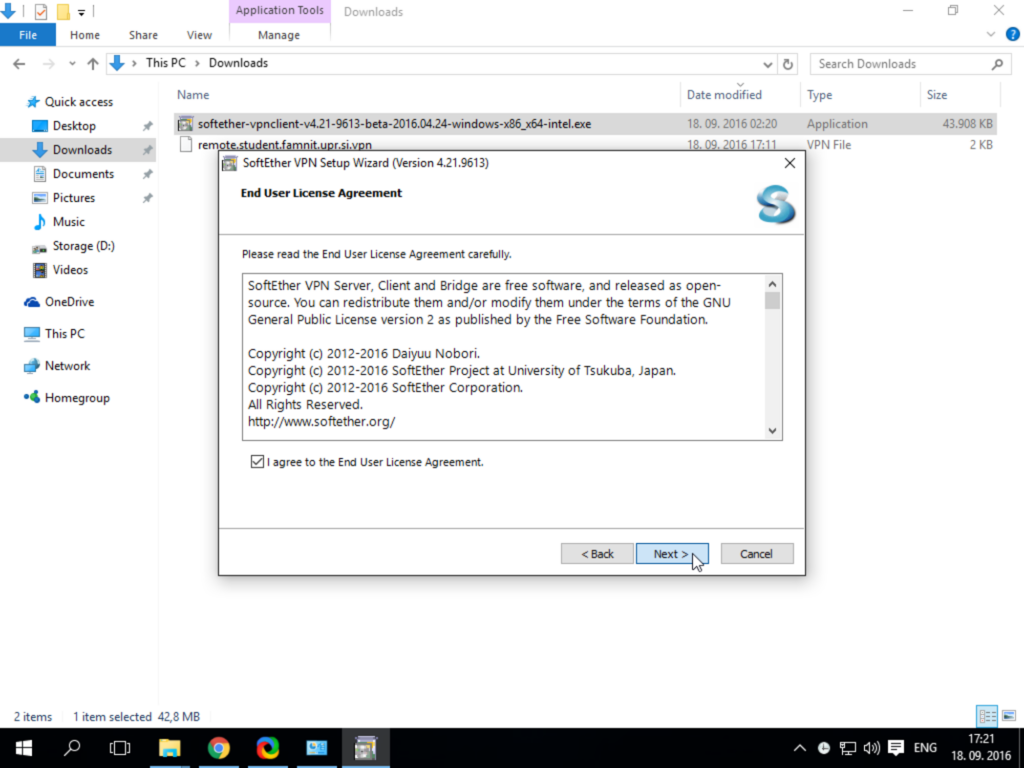
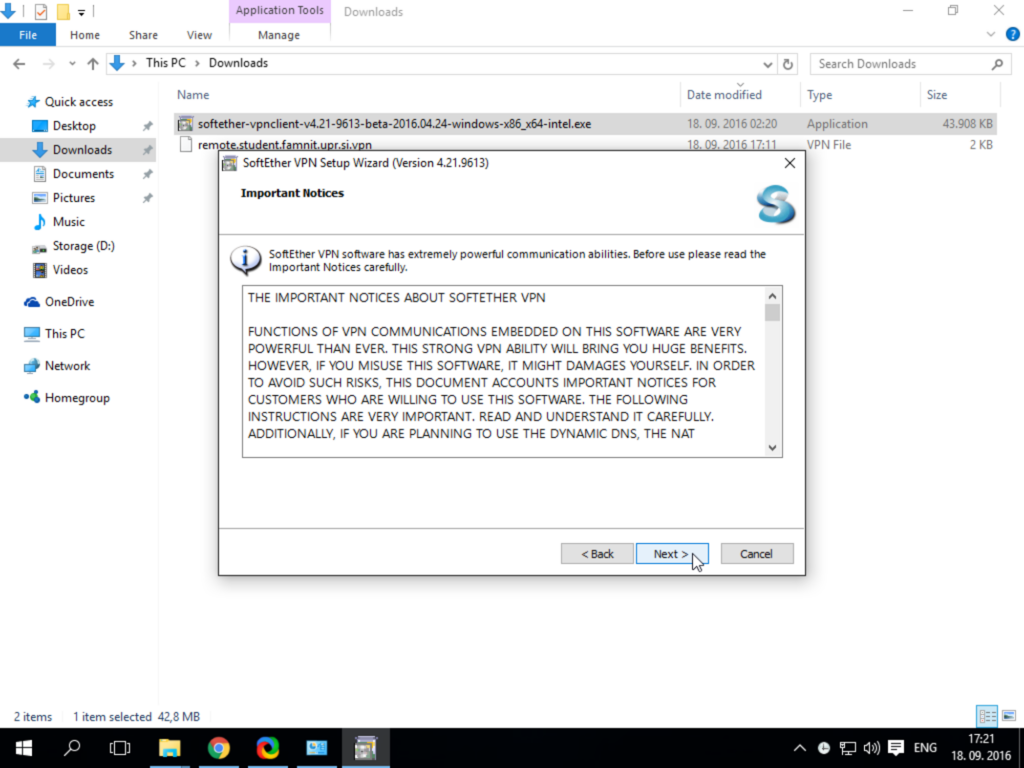
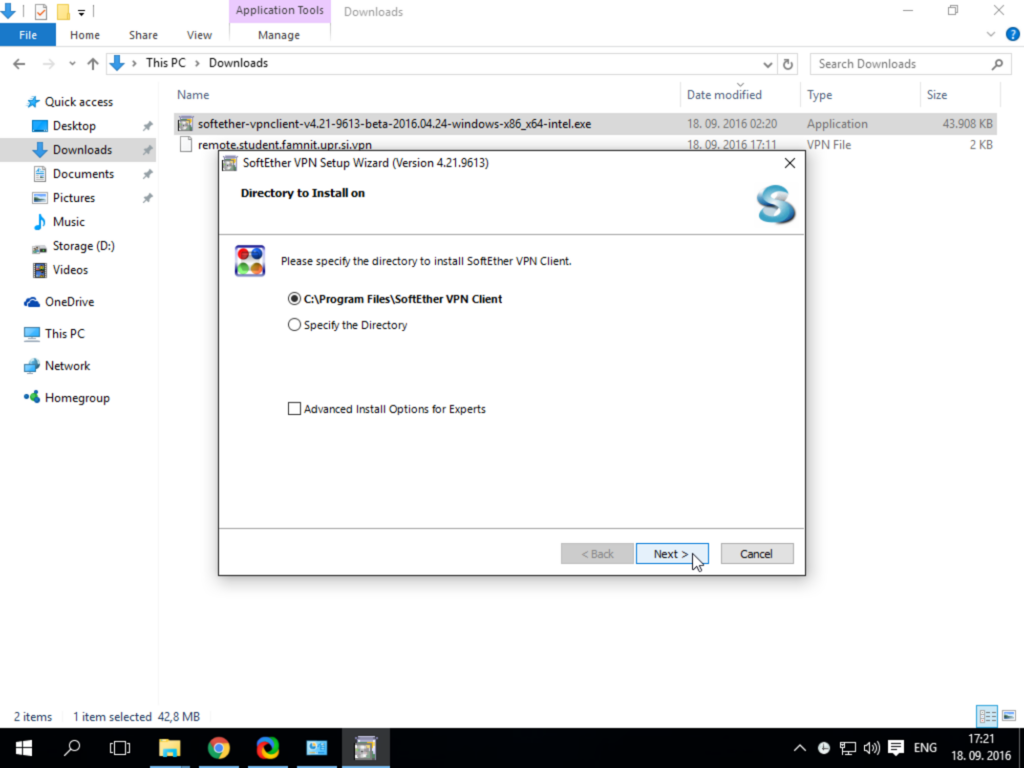
Once the download is complete, you can proceed with the installation.
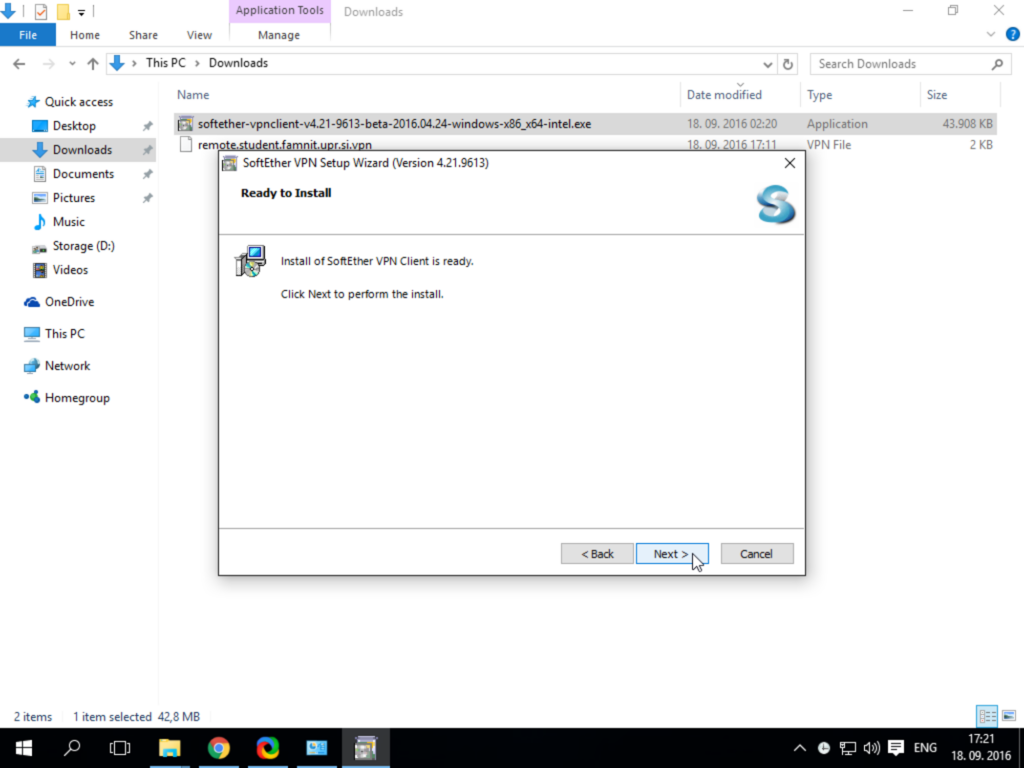
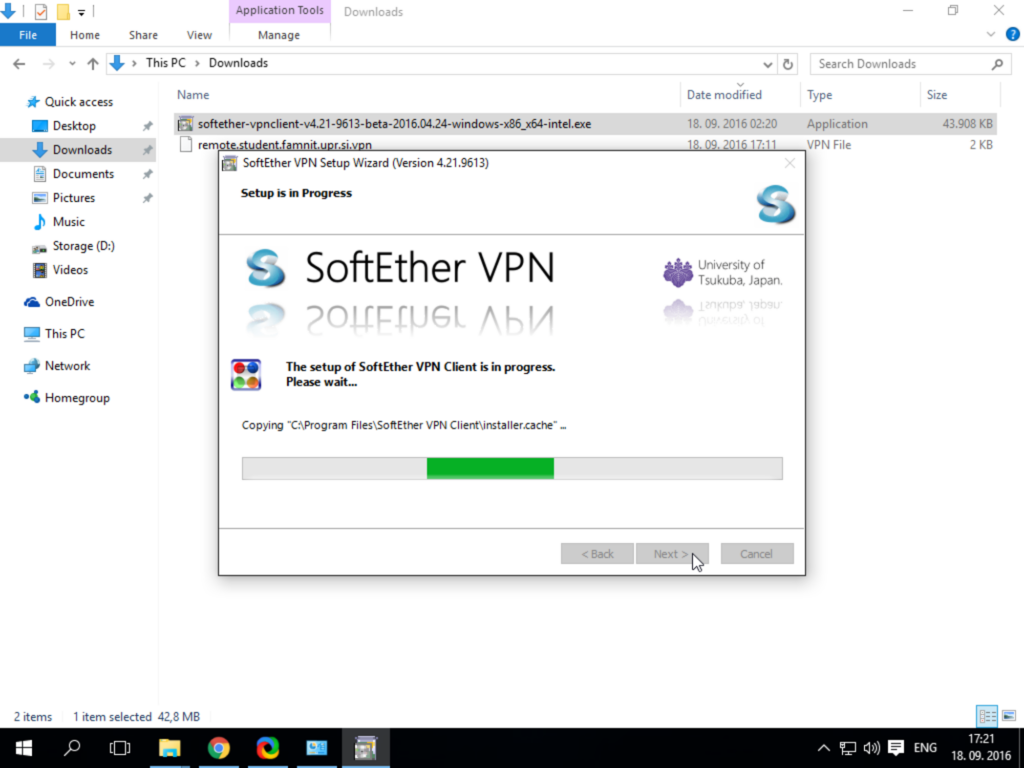
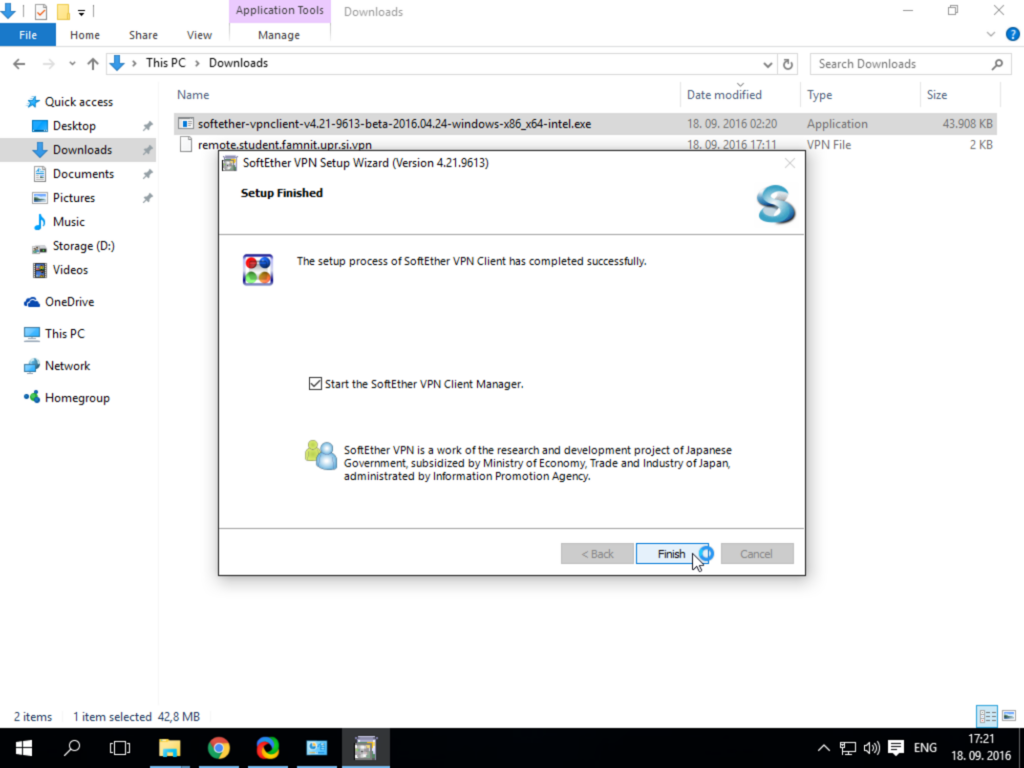
Connection
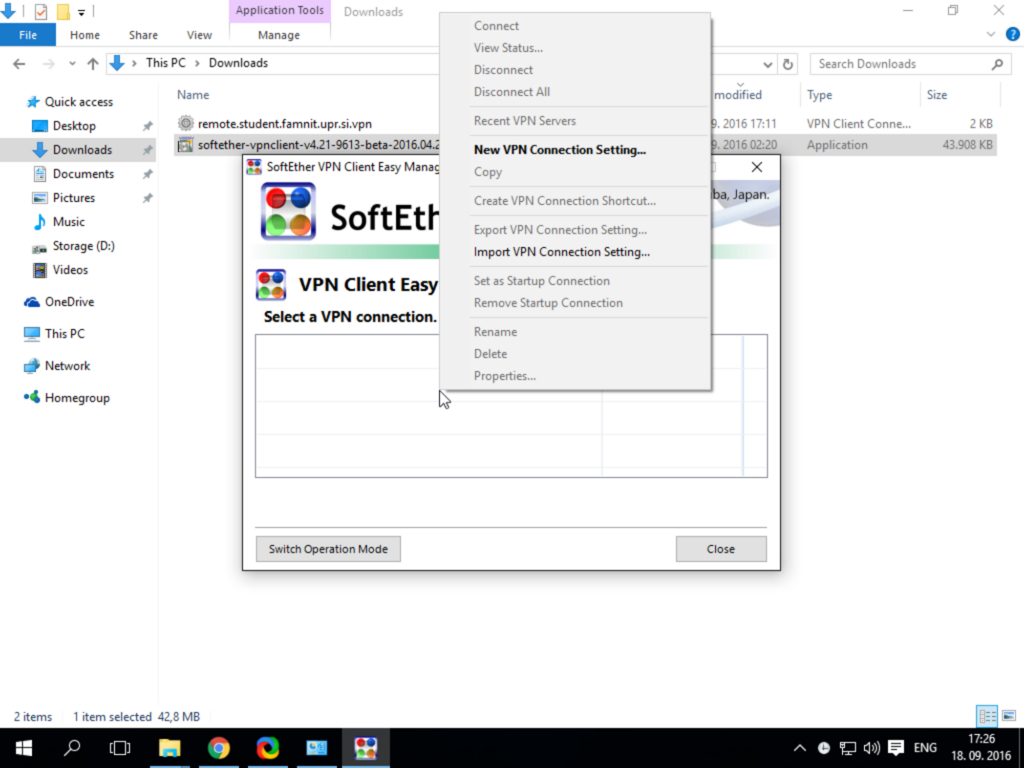
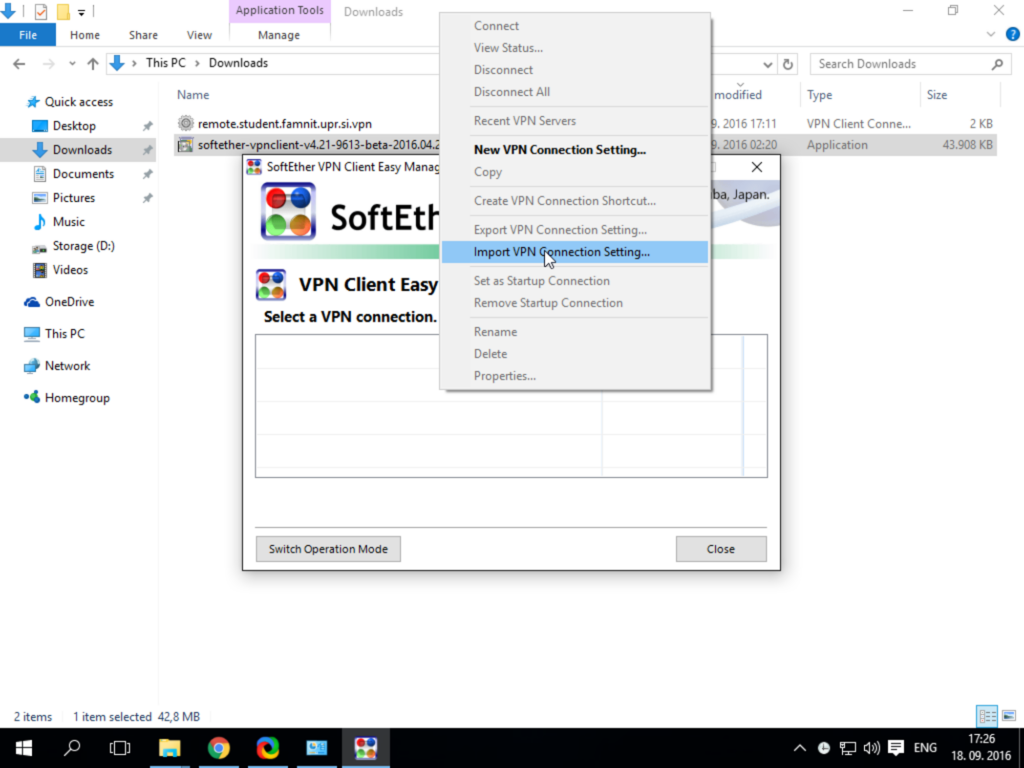
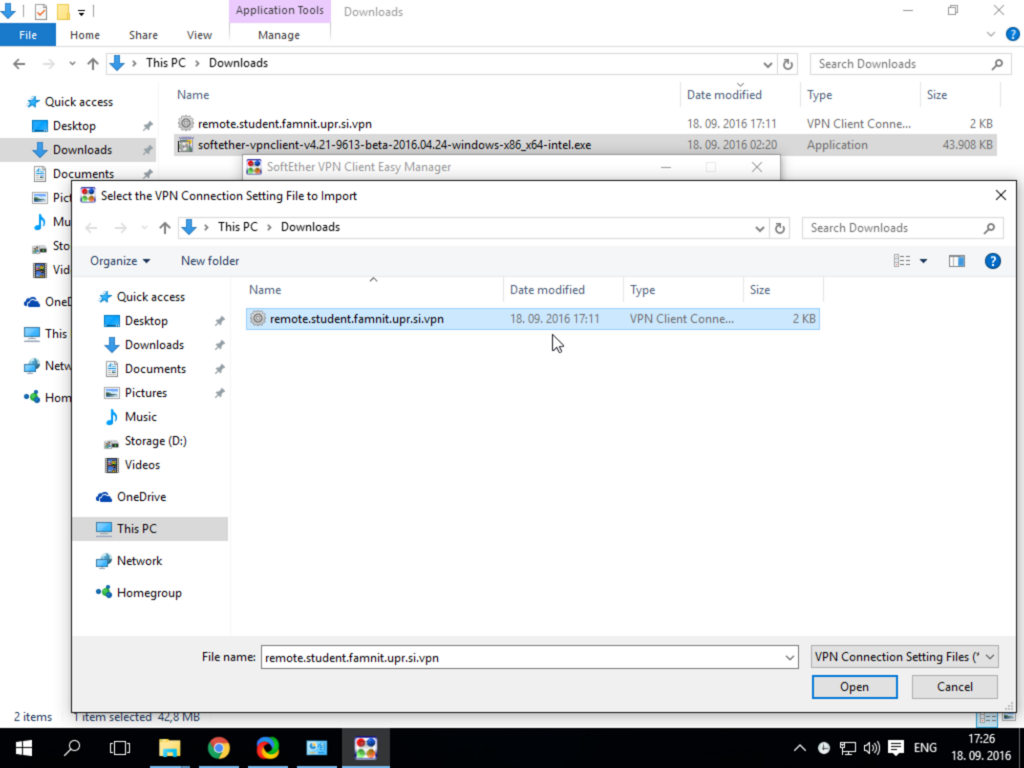
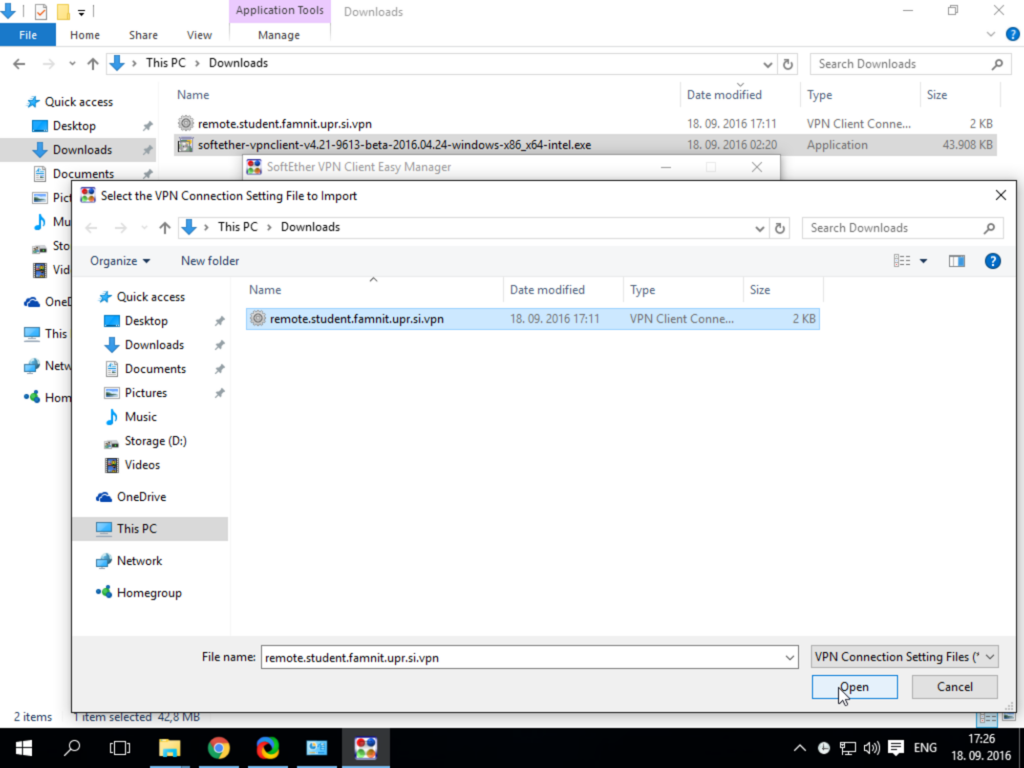
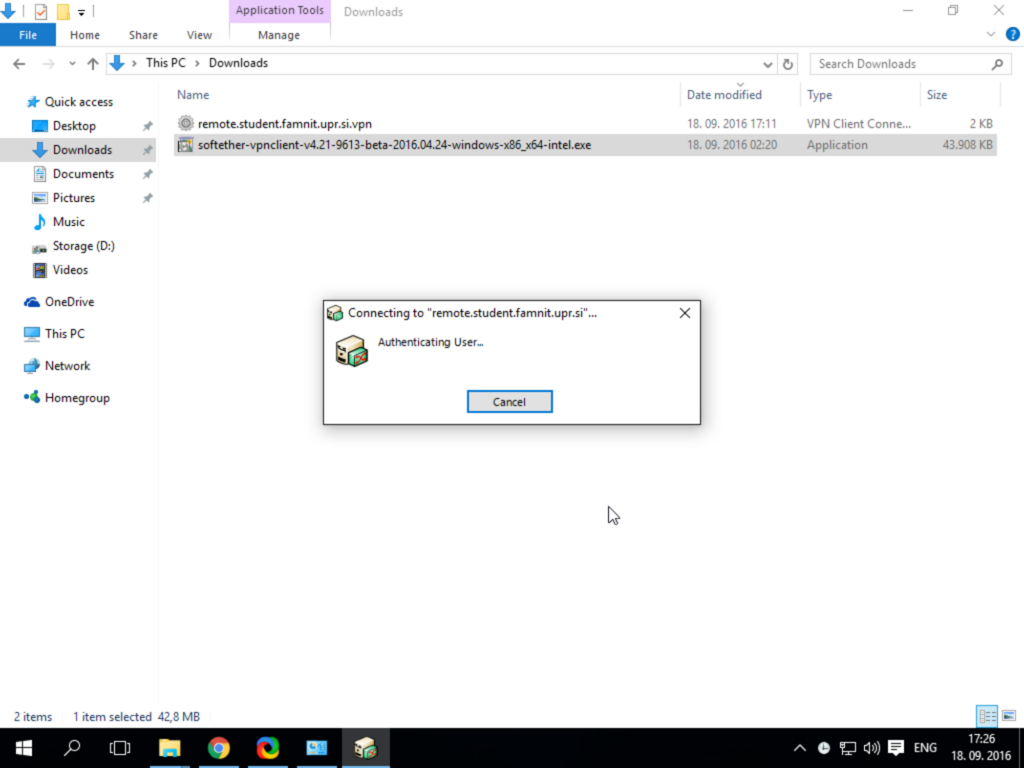
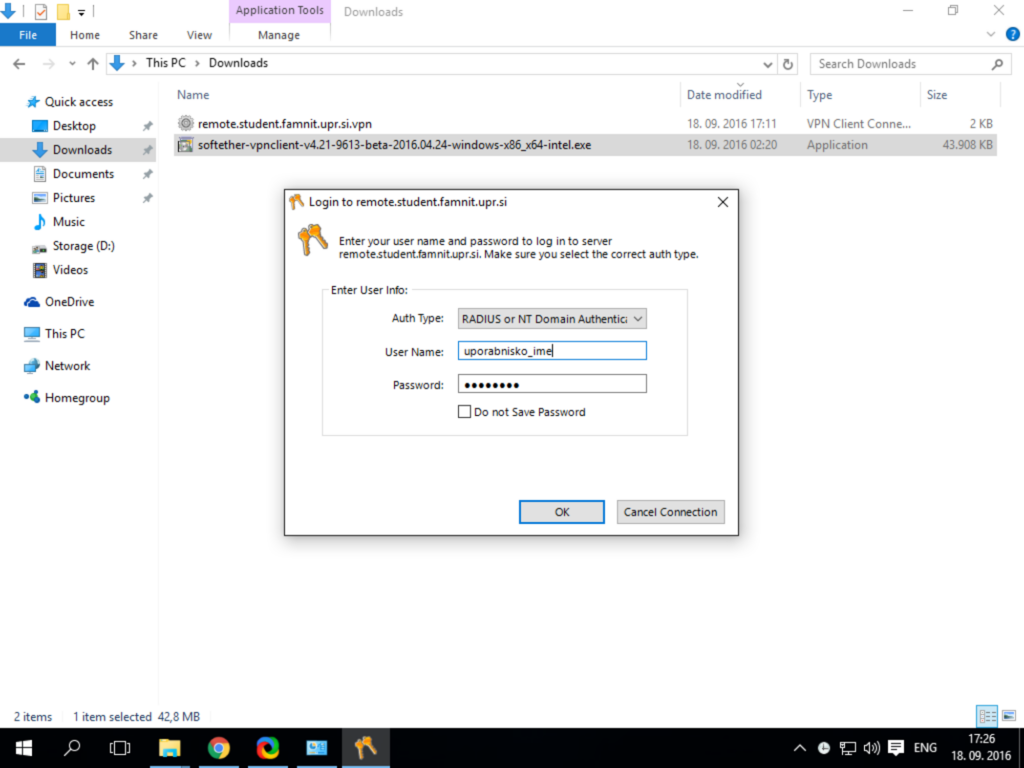
After the installation is complete, download the configuration file.
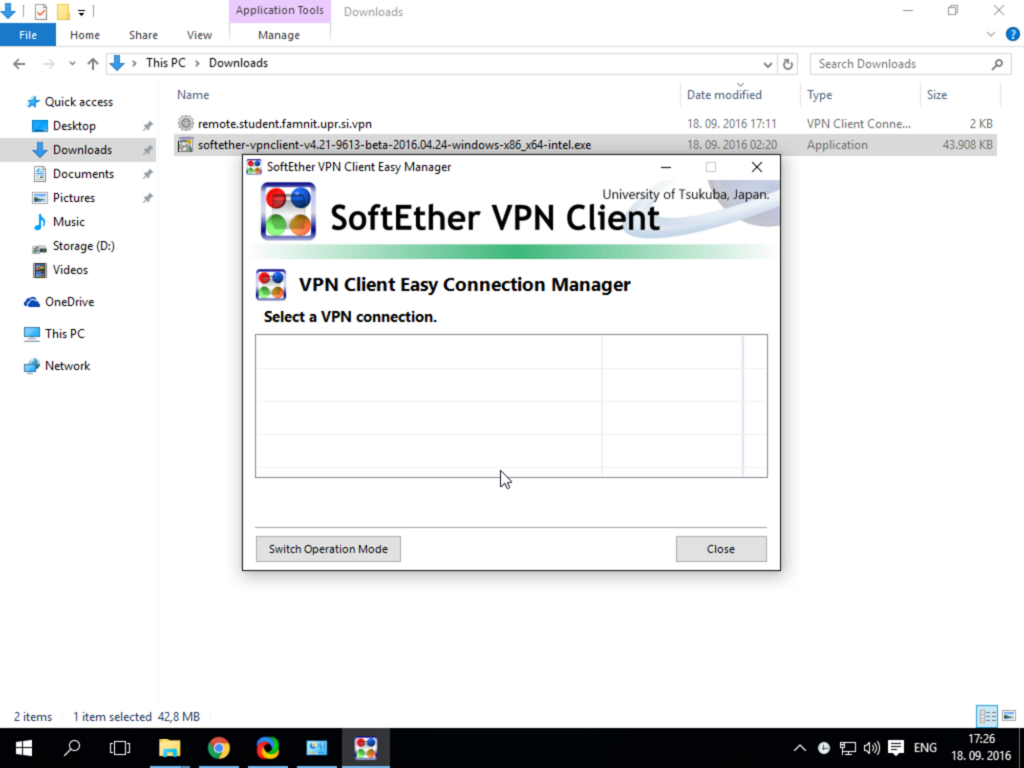
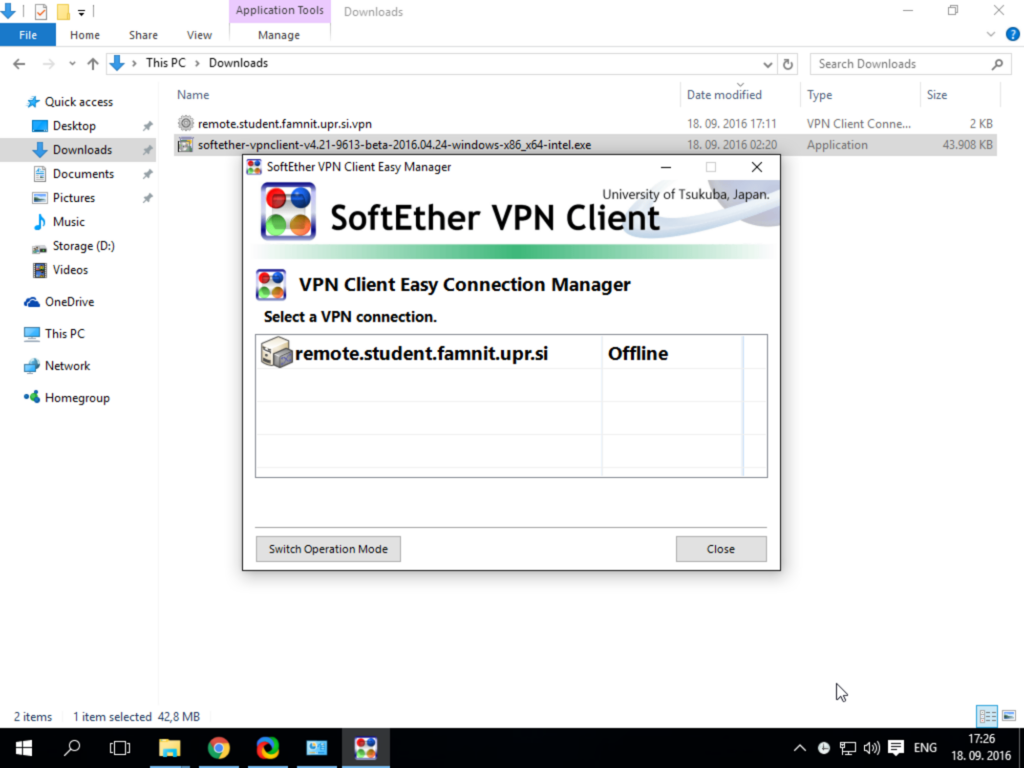
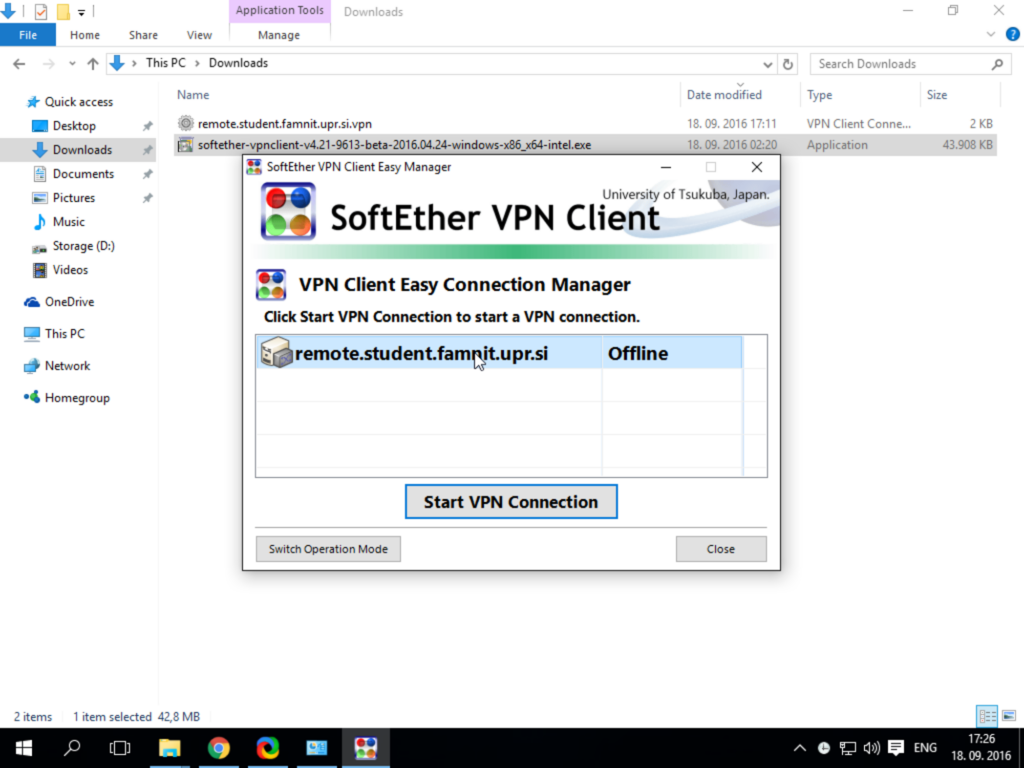
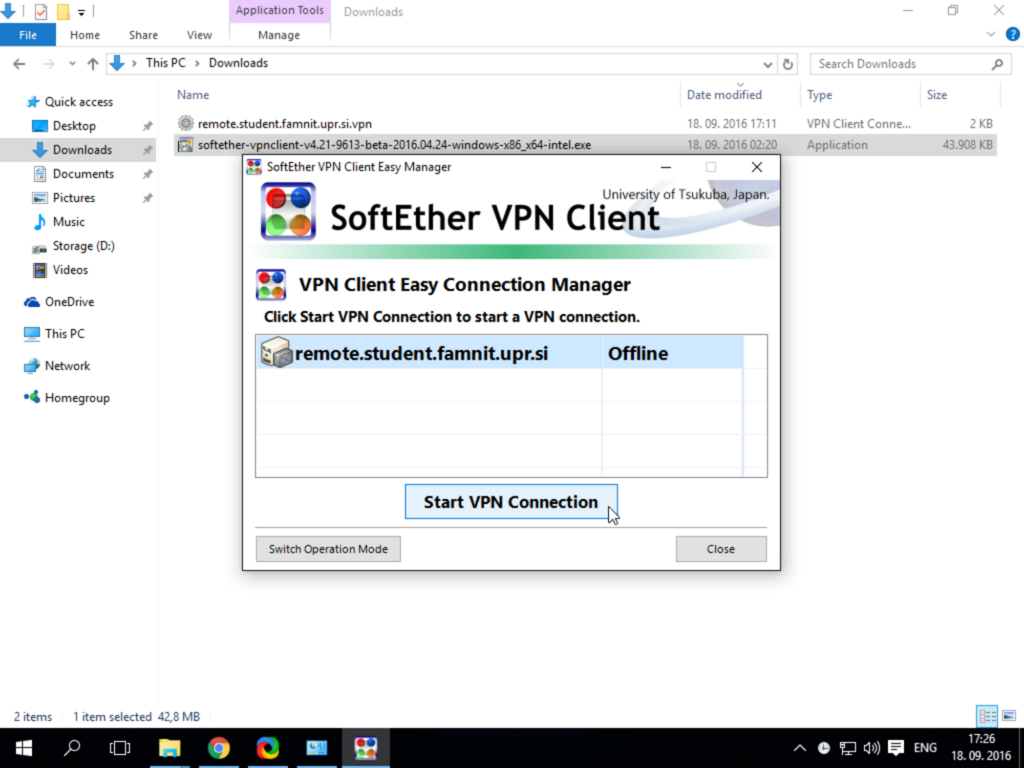
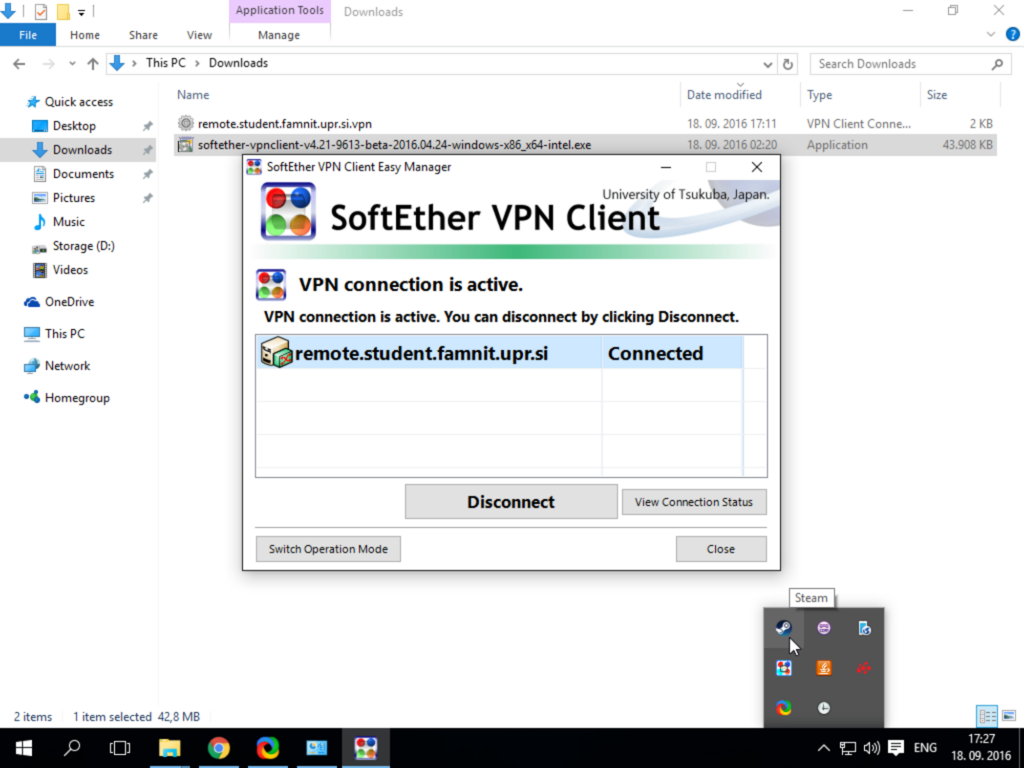
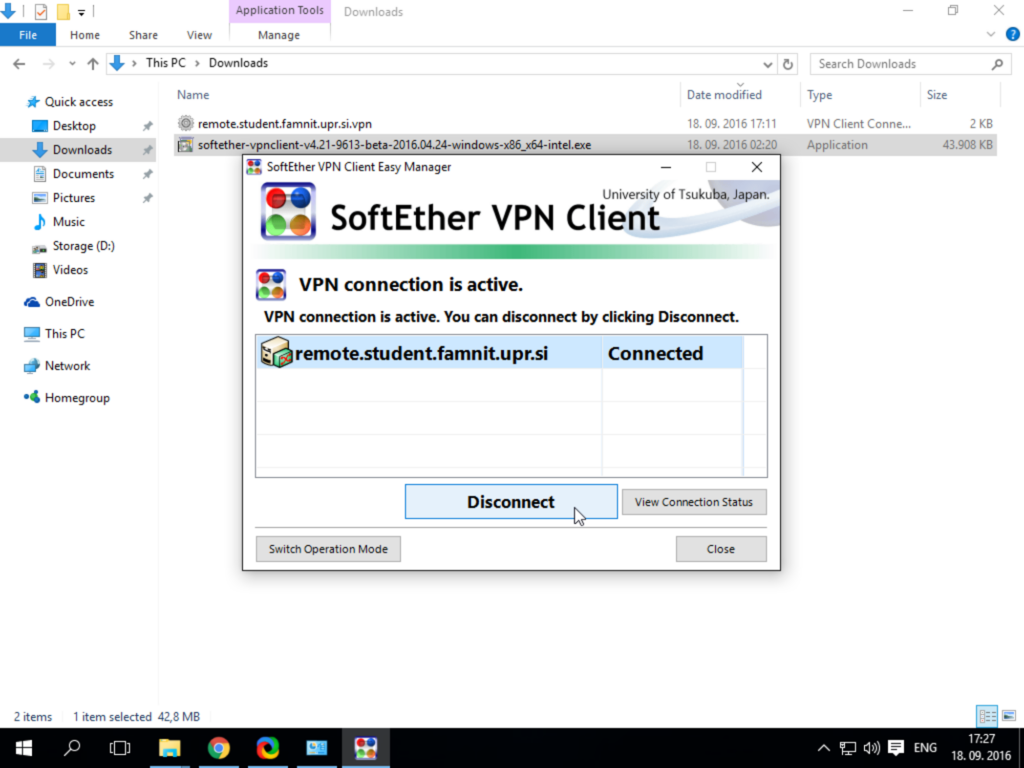
Open SoftEther VPN Client: