University of Primorska
Faculty of Mathematics, Natural Sciences and Information Technologies

- Študij
- Mednarodno sodelovanje
- Raziskovanje
- O fakulteti
ArcGIS Software
Before installation, you must first set up a remote connection to the student network.
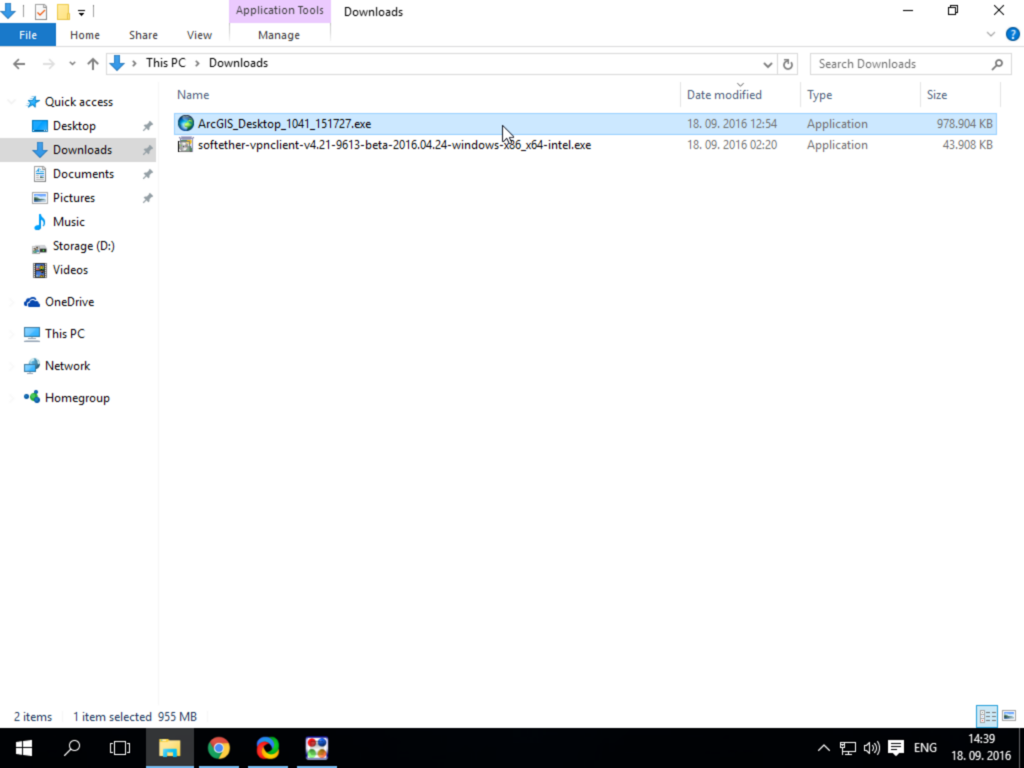
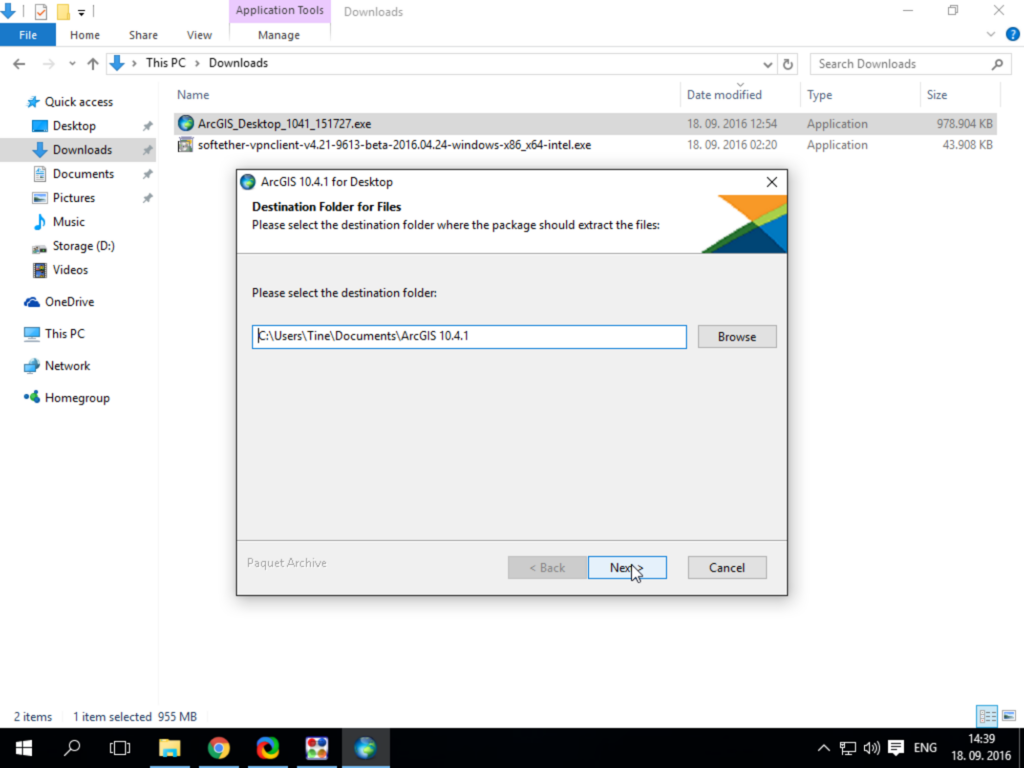
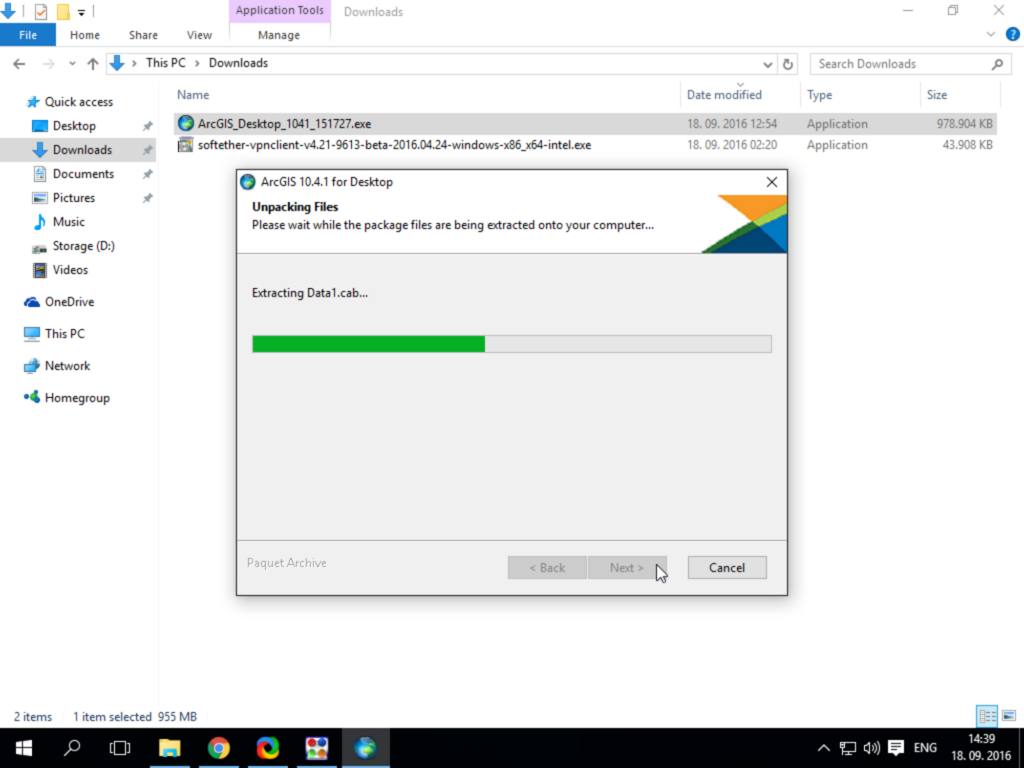
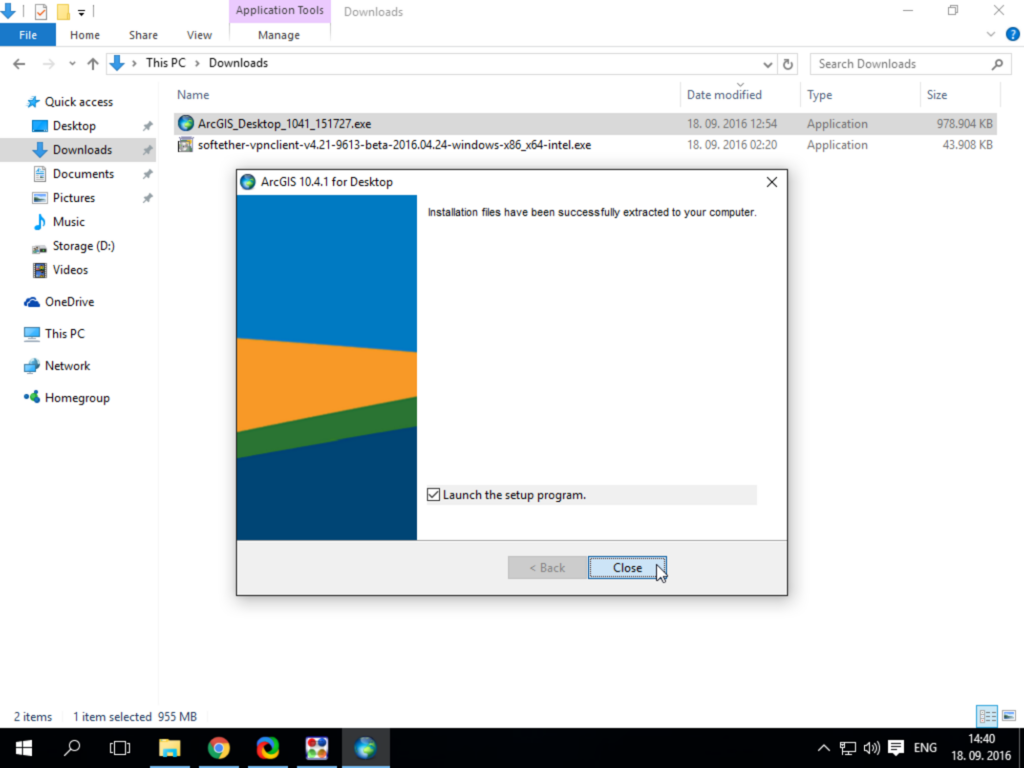
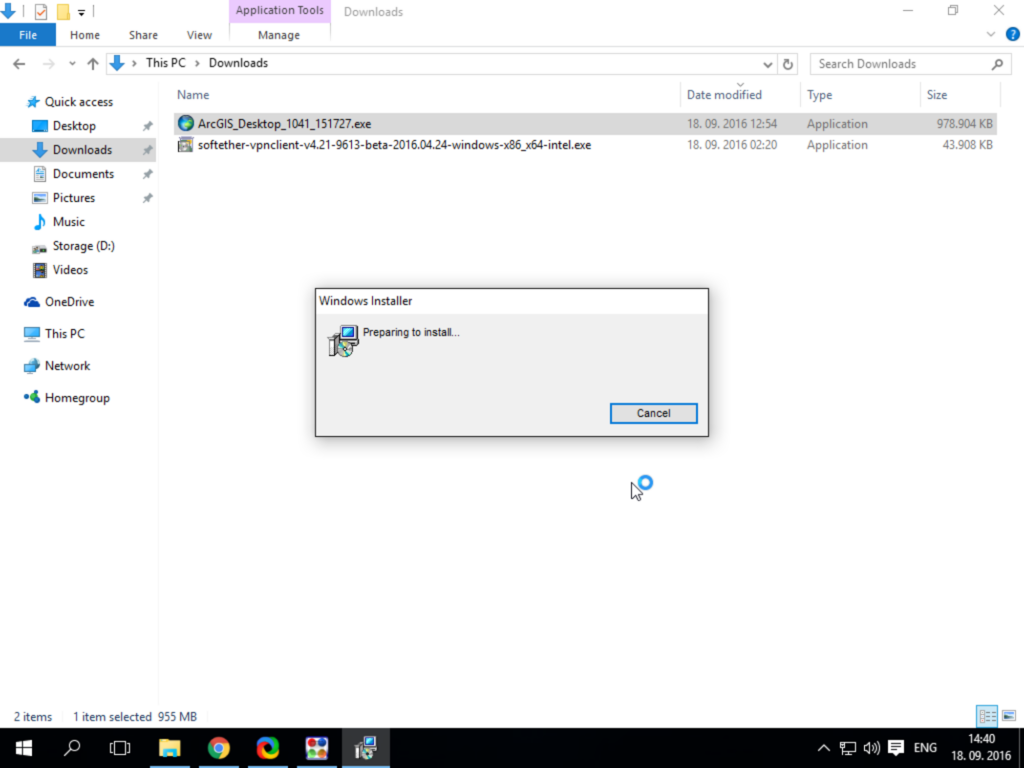
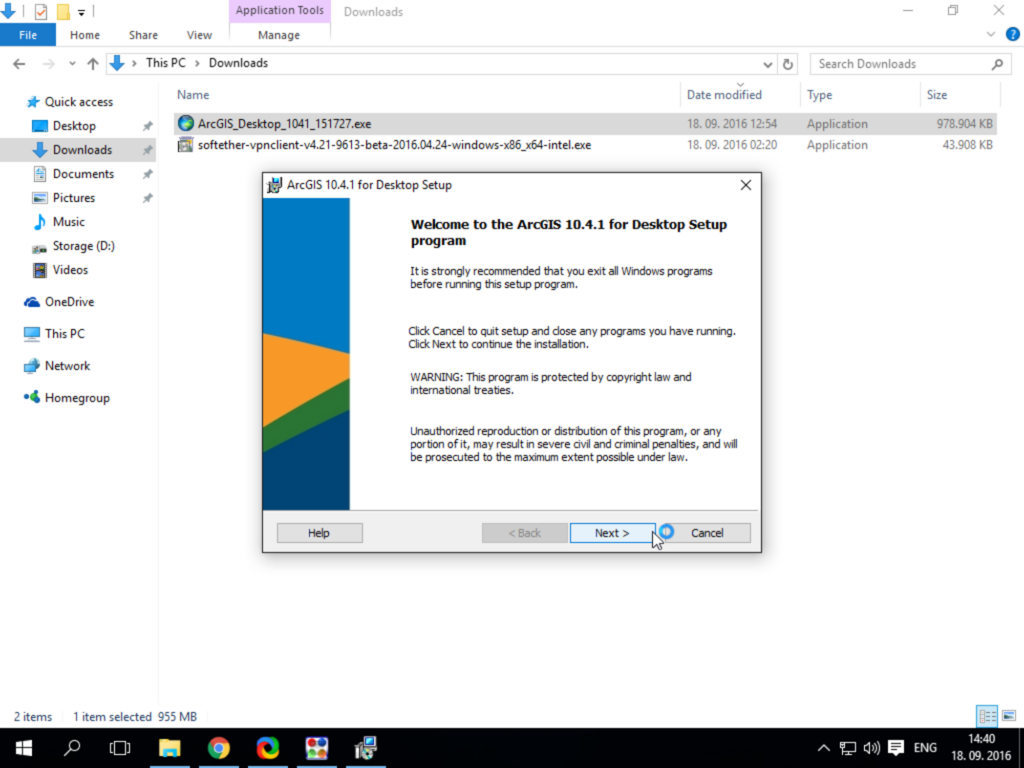
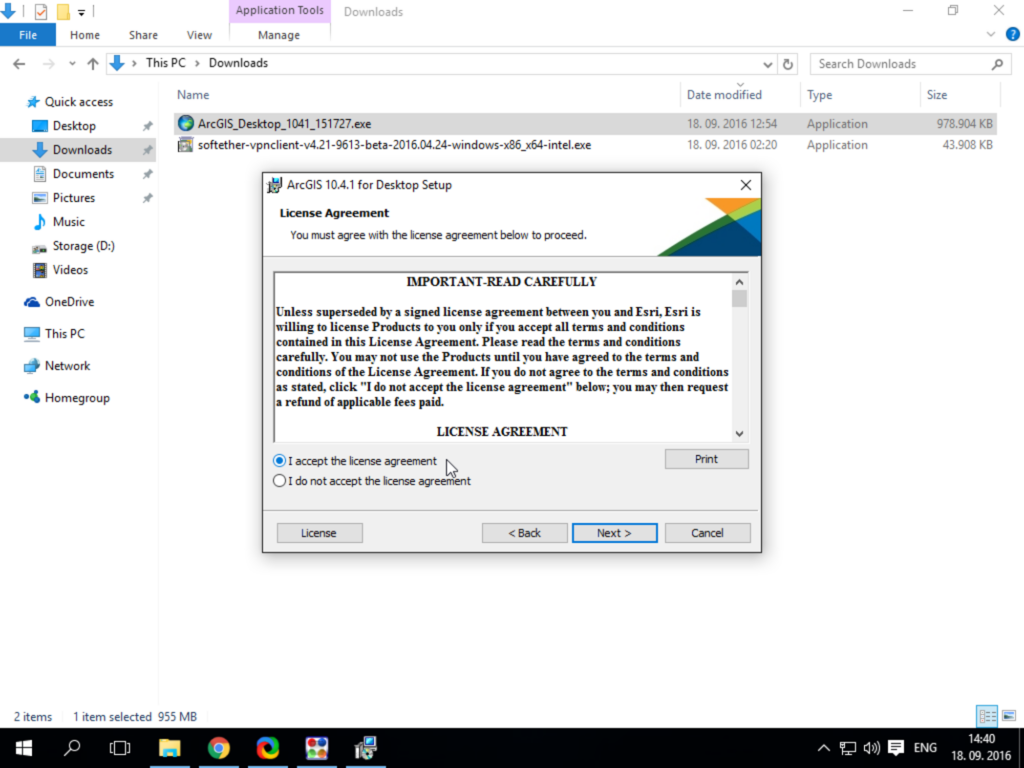
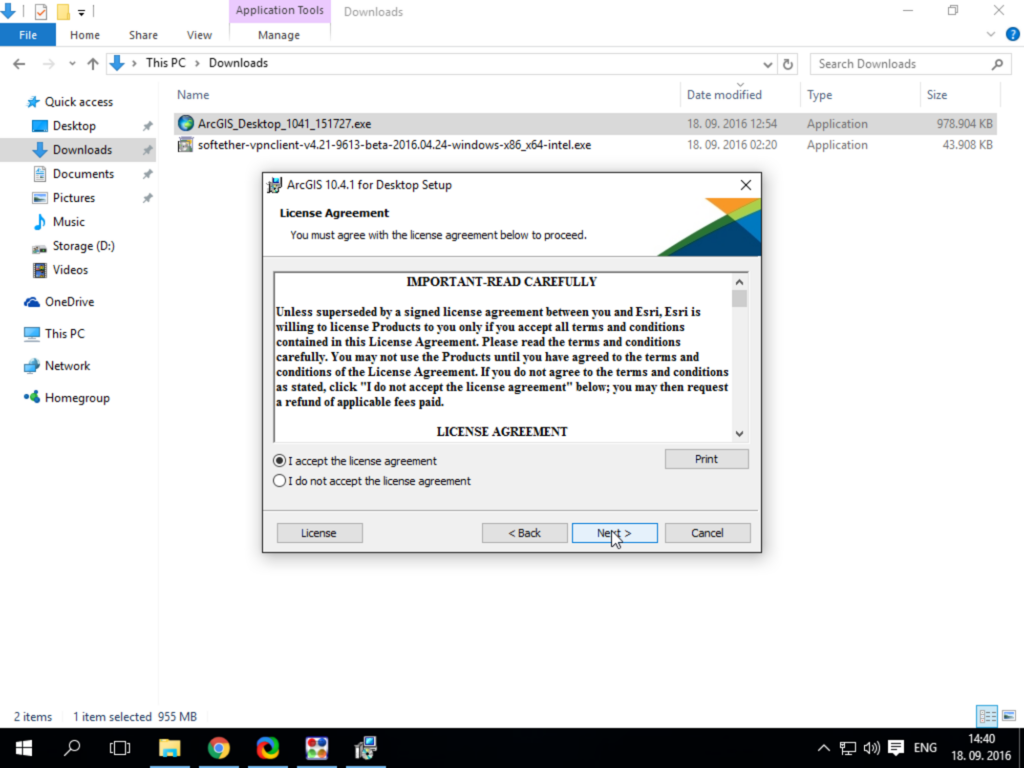
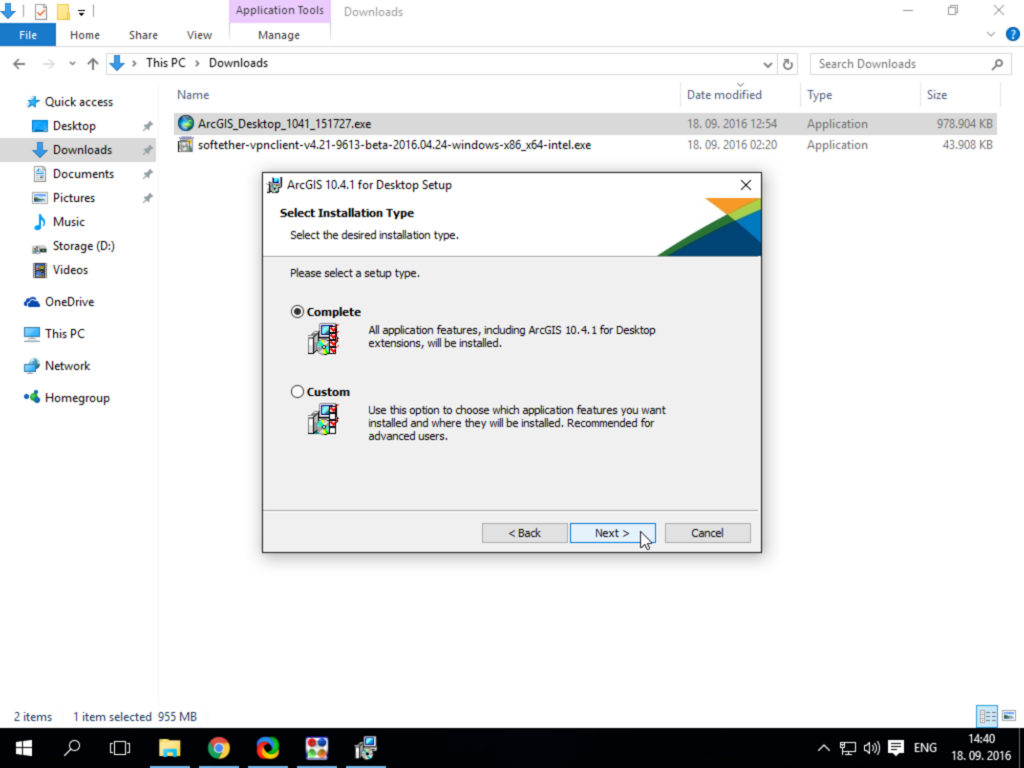
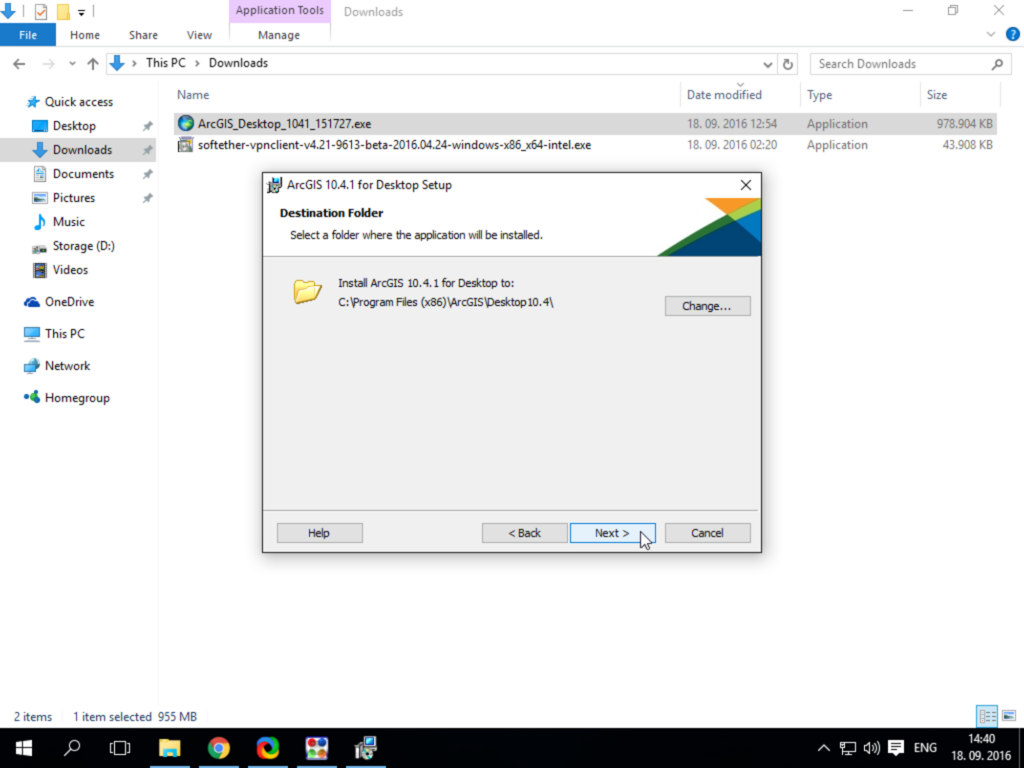
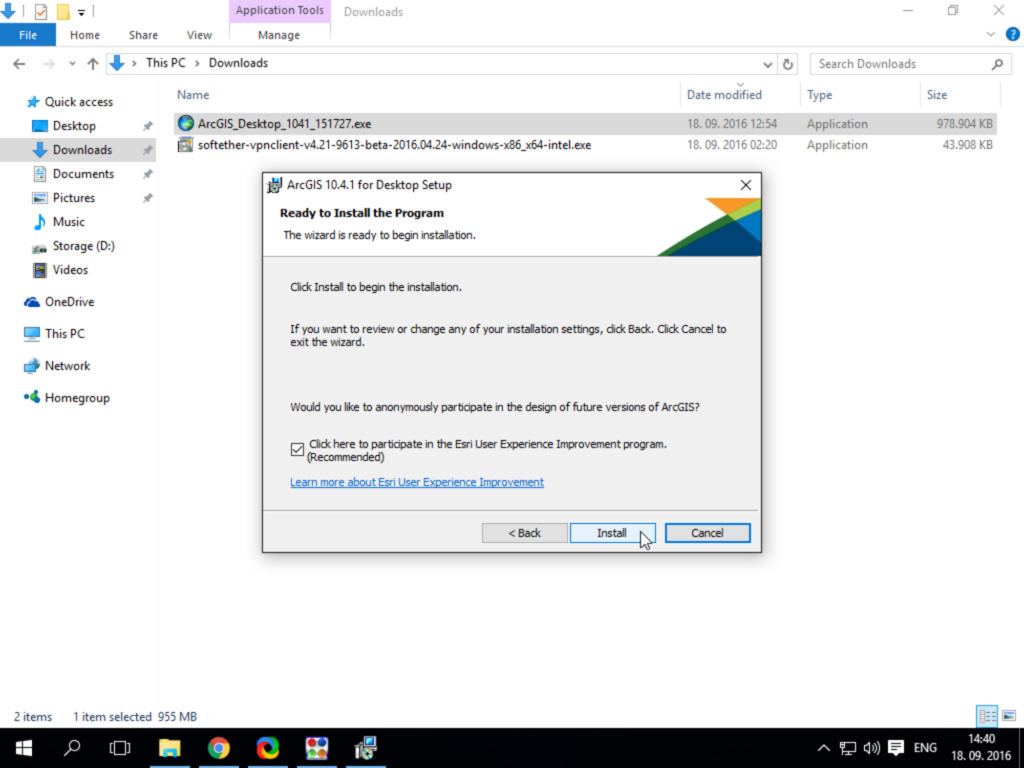
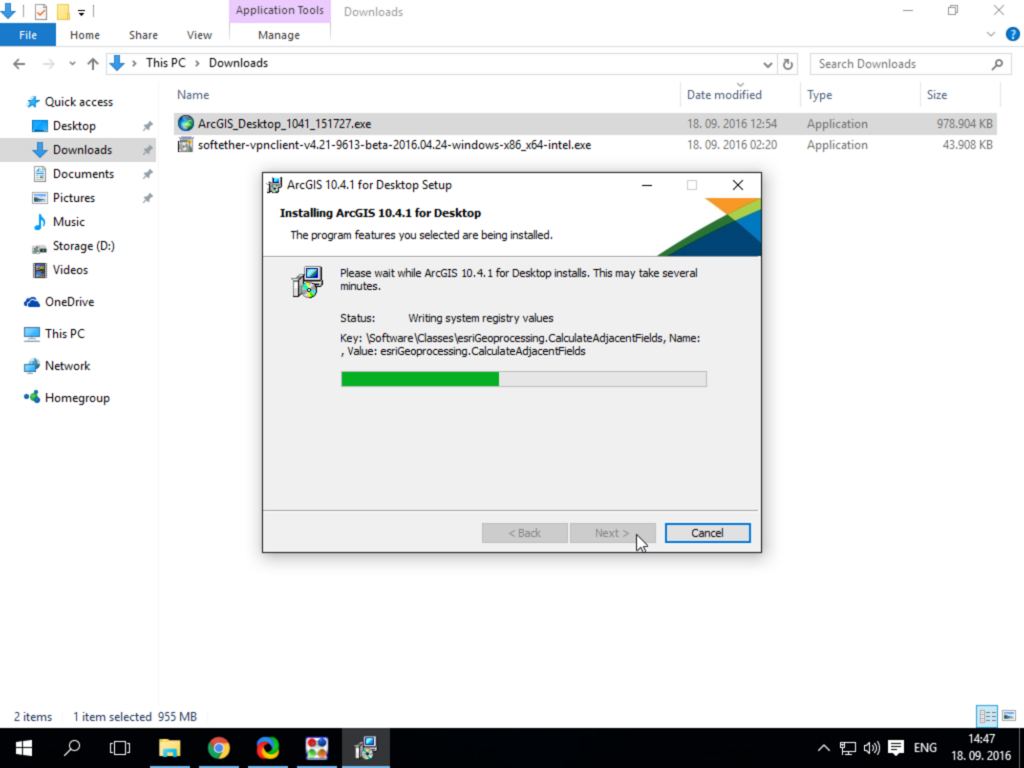
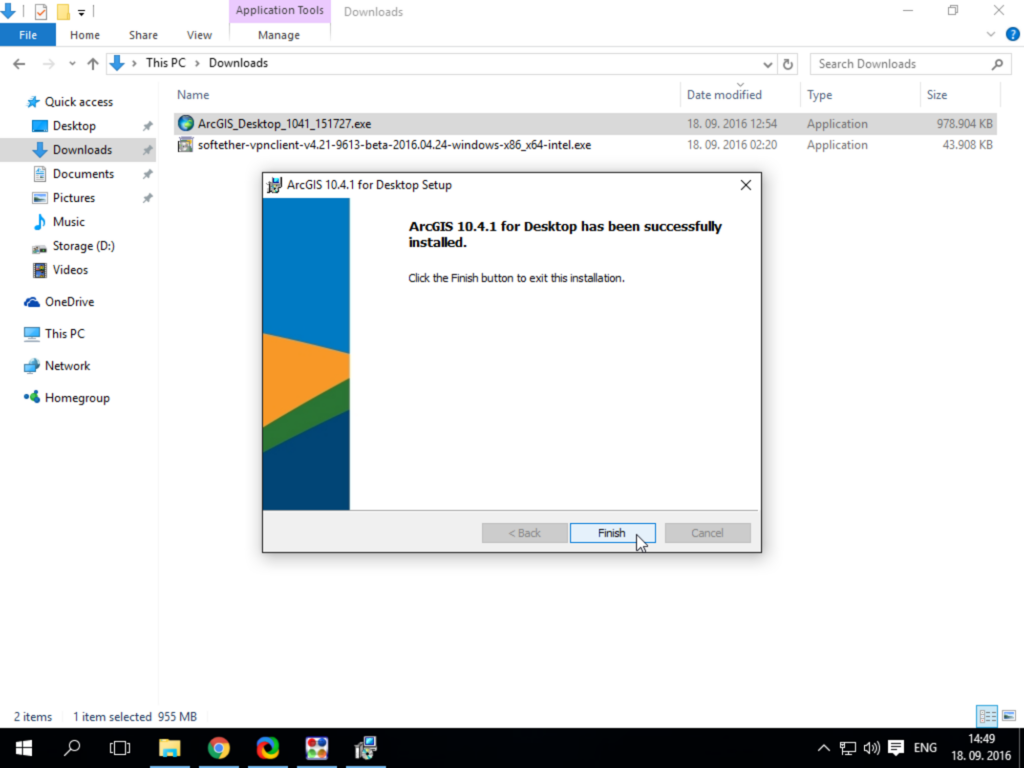
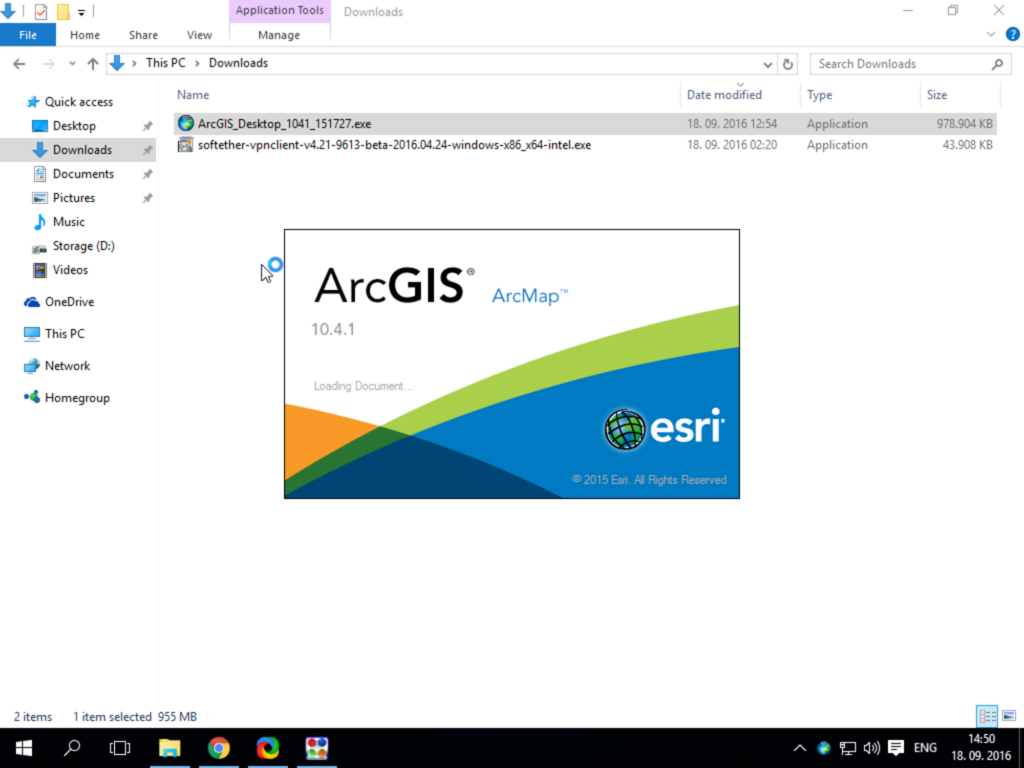
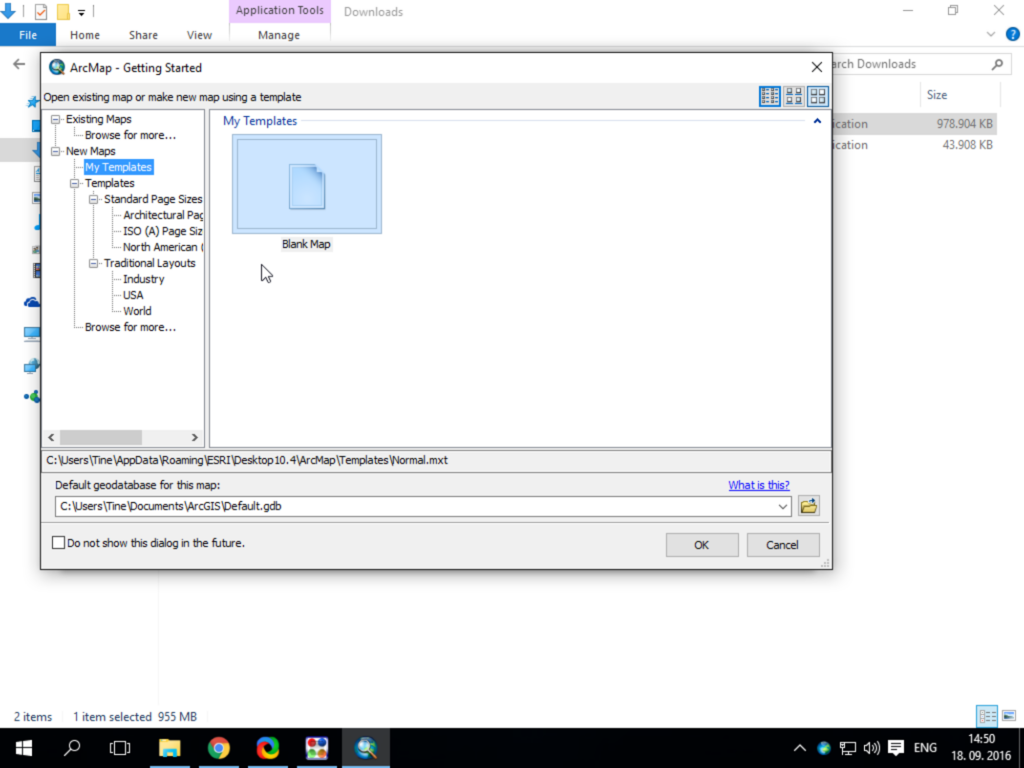
You can download the ArcGIS 10.4 installation file here. To access the file, you will need your username and password.
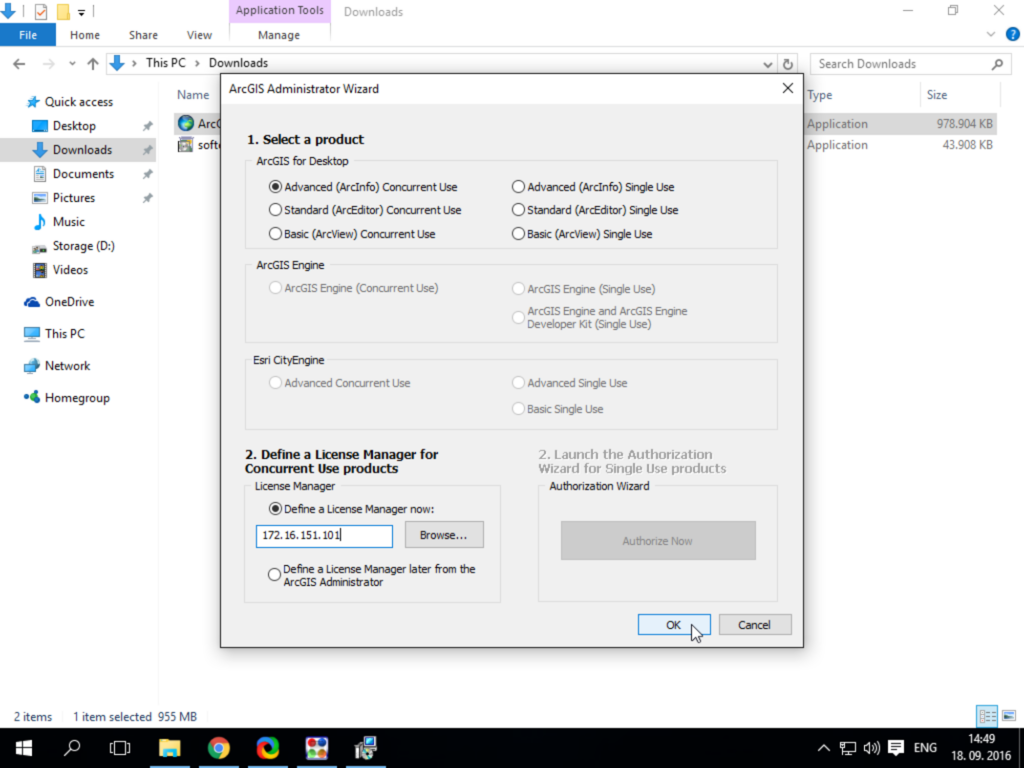
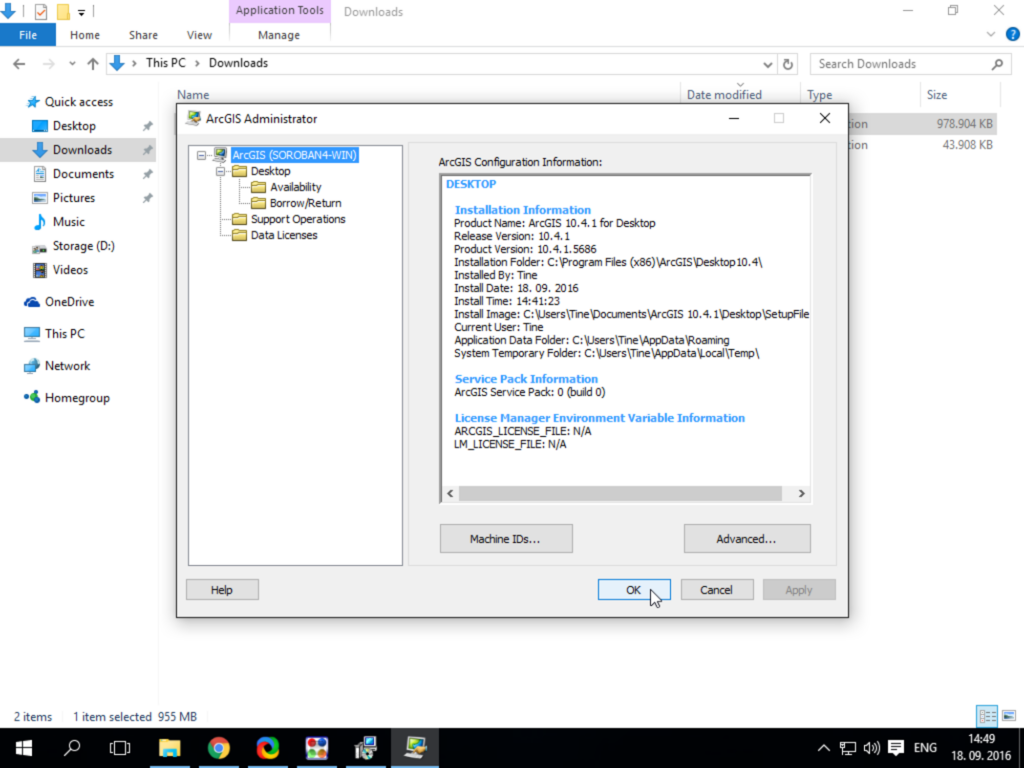
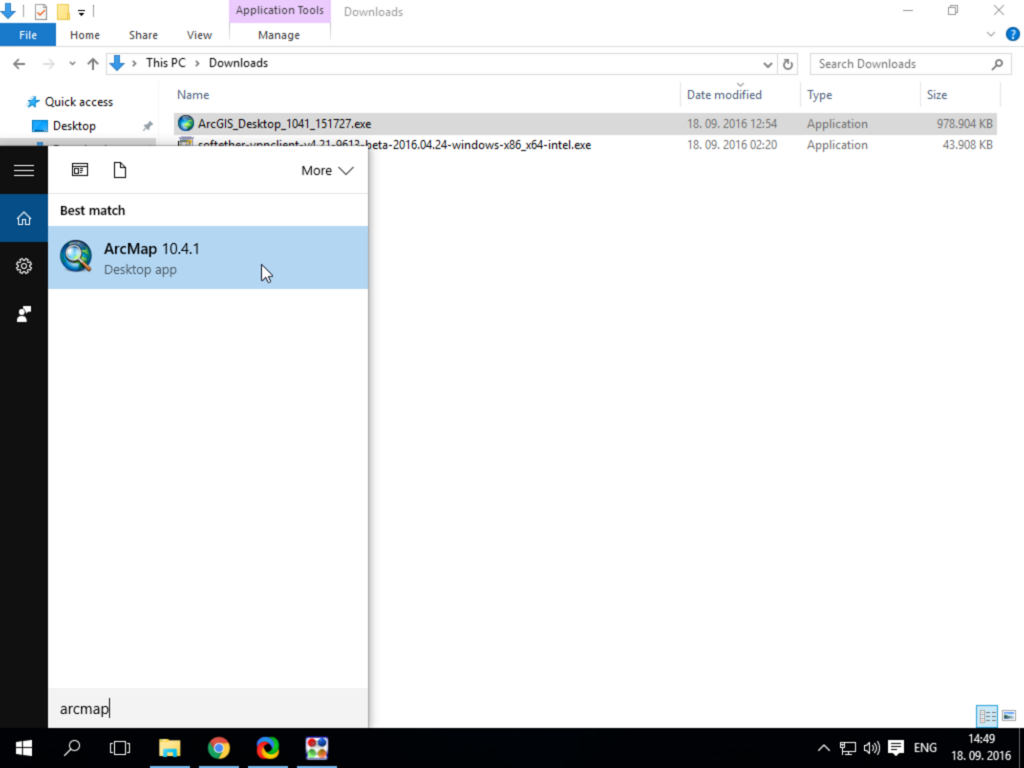
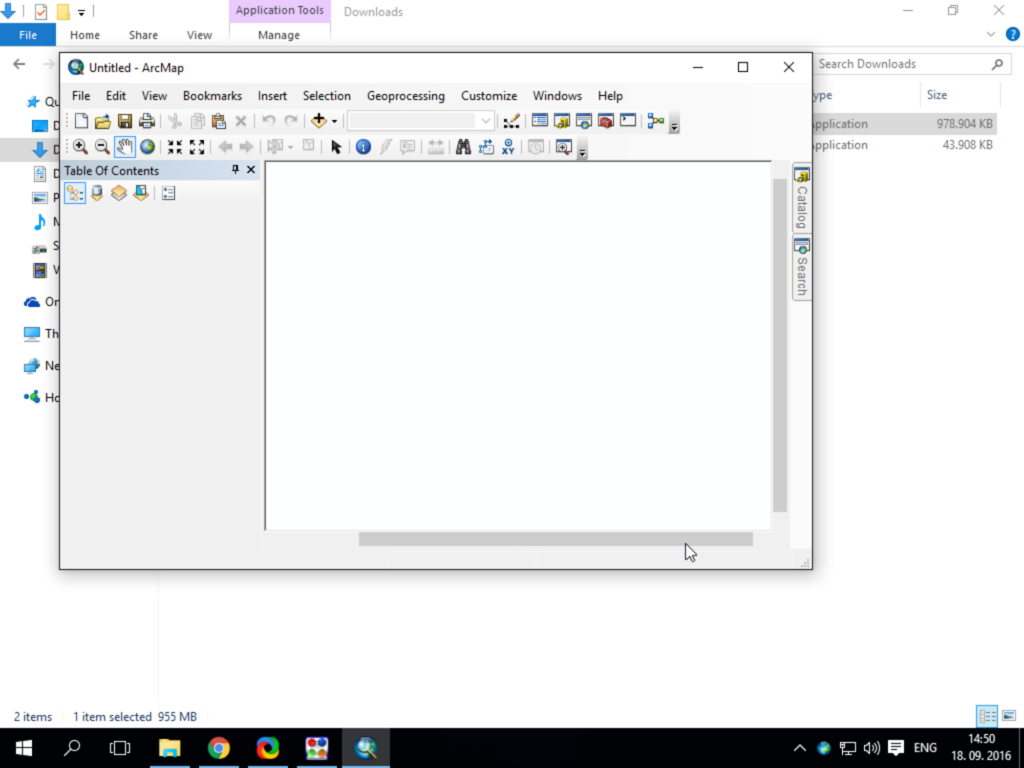
For an easier installation of ArcGIS, you can download the following file here and run it by right-clicking the file and selecting “Run as Administrator”. The script will automatically install ArcGIS and configure the required license.
Please note that you will still need an active VPN connection to the FAMNIT network in order to use ArcGIS.